GitBrain – AI Tool for Productivity
AI-powered Git client that simplifies version control.
Reviews & Comments
Become the first to write about this tool
TL;DR — GitBrain
AI-powered Git client that simplifies version control. Security: Flagged.
What is GitBrain?
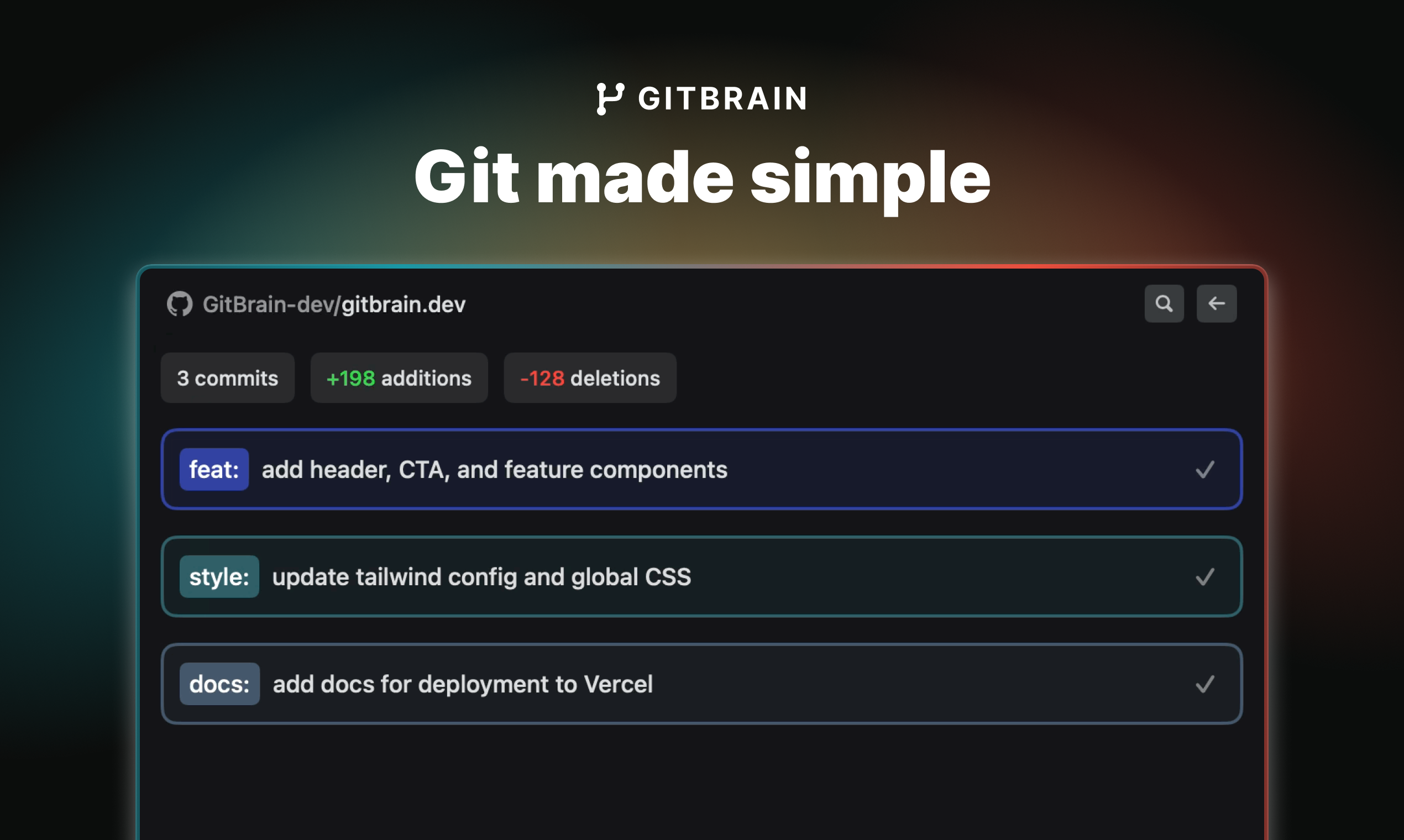
GitBrain is an AI-powered Git client tool designed specifically for Mac users, aiming to automate and simplify Git management for more efficient coding. It primarily serves to reduce the time spent using Git, thus enabling developers to devote more attention to coding. GitBrain offers an intelligent system that divides code modifications into multiple AI-generated commits which can be tailored and managed interactively. Developers have the flexibility to choose, reorder, and even consolidate multiple commits into one, leveraging AI assistance. A significant feature includes the automatic generation of summaries for code changes, enabling developers to conduct efficient self-reviews before committing. This feature aids in tracking the work done and in preventing inadvertent submission of undesirable changes. Furthermore, GitBrain can automatically detect and load the project that the user is currently working on from their preferred IDEs, ensuring a smooth Git handling experience. The software boasts a keyboard-friendly design, with keyboard shortcuts for all functions, enabling a more efficient and streamlined Git workflow. Being a native Mac application, GitBrain optimizes performance and provides a user interface familiar to Mac users which aligns with both light and dark mode Mac themes.
Security Assessment
Published posture scored below 12/20 on Security & Data Privacy. Review the source links and the methodology before using it with sensitive data. We do not perform security testing.
Last assessed: 21 August 2026
How this score was built
Each scored criterion links to the published page it was derived from. Unscored criteria are marked, not guessed. This listing has not been hands-on tested.
- 4/10
- 8/10
Functionality & Features
The homepage describes various features of the Git client.
Source: gitbrain.dev - Not assessed
Ease of Use
Requires hands-on use of the product.
- Not assessed
Pricing & Value
No citable published evidence in this pass.
- Not assessed
Reliability & Performance
Requires hands-on use of the product.
- Not assessed
Integration Capabilities
No citable published evidence in this pass.
- Not assessed
Customer Support
No citable published evidence in this pass.
- Not assessed
Company Stability
No citable published evidence in this pass.
- Not assessed
Update Frequency
No citable published evidence in this pass.
- 5/10
Frequently Asked Questions
What is GitBrain and what does it do?
AI-powered Git client that simplifies version control.
What does GitBrain cost in India?
GitBrain is a paid tool. A free tier is available to get started.
Is GitBrain safe for startups?
GitBrain is flagged on our Security & Data Privacy criterion (scored below 12/20). Review the full assessment before using it for sensitive startup data.
How is GitBrain rated on One9Founders?
GitBrain has not yet been rated on our 10-point evaluation framework. See How We Rate for the 10-criterion framework and status definitions.
Alternatives to GitBrain

Claude is an AI chat assistant.

Optimize project management efficiently.

AI-powered pair programming tool for suggesting code in real-time

AI writing assistance tool for various applications.
AI-powered tool for generating documents, spreadsheets, apps, charts, and images with citations

AI-powered meeting transcription and note-taking tool

AI-powered productivity boost for busy people and teams.

Centralize your tasks and projects with Notion.