TL;DR
Image to Image AI Generator | PictCraft at a glance
Upload a photo, describe the change, get a new image. Key strengths include image-to-image ai editing, selective redraw based on user prompt, supports background replacement, style changes, and object removal/addition.
Overview
What is Image to Image AI Generator | PictCraft?
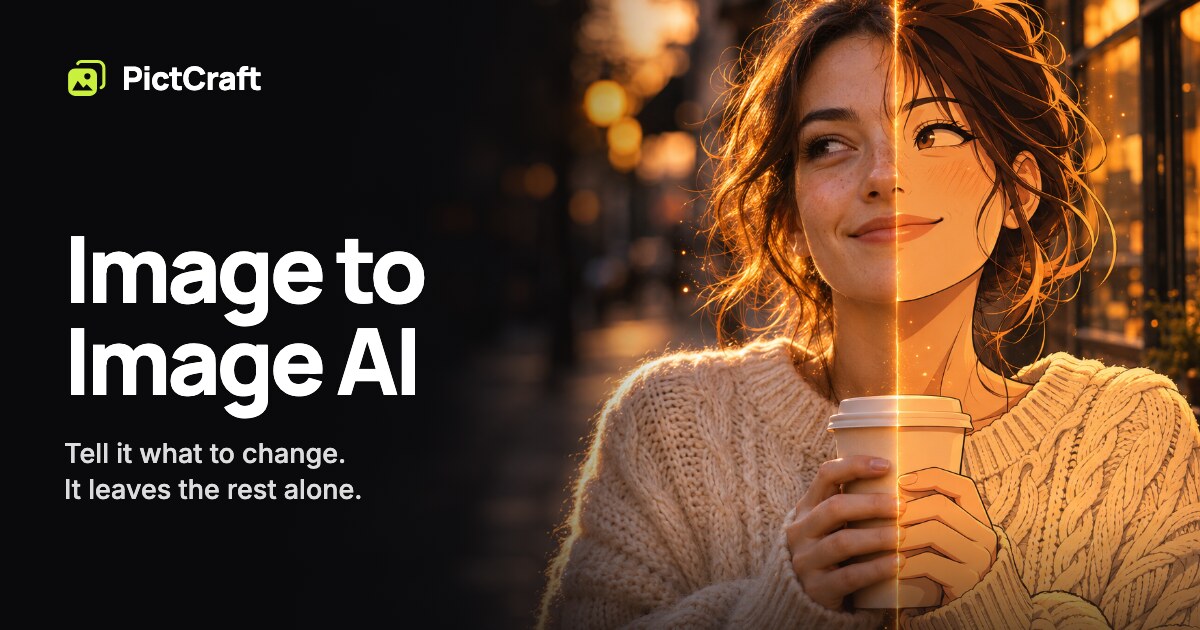
PictCraft is an image to image AI generator that runs in your browser. You upload a photo and write one sentence about what should change. The model keeps your subject, framing and details, and redraws only the part you asked for. It works for the edits people ask for most: replacing a background, changing hair color or clothing, redrawing a photo in another style, removing people from the background, adding a new object, or combining up to five images into one. Any result can become the next starting image, so you can keep changing one thing at a time. For founders and small teams it covers product shots, marketing visuals and social images without a design tool: move a product photo from a desk to a studio scene, or restyle one photo for several posts. Output comes in 1K, 2K or 4K with no watermark, and your photos are private and not used to train AI models. Sign in with Google to start for free; after that, buy a credit pack or pick a monthly plan.
Audience
Who should use Image to Image AI Generator | PictCraft?
- Edit product photos for marketing
- Change backgrounds or styles in images
- Remove or add objects in photos
- Create social media visuals
- Combine multiple images into one
Capabilities
Key features
- Image-to-image AI editing
- Selective redraw based on user prompt
- Supports background replacement, style changes, and object removal/addition
- Combine up to five images
- High-resolution output (1K, 2K, 4K)
- No watermark
- Privacy-focused (photos not used for AI training)
- Browser-based, no software install
For founders
Why founders love Image to Image AI Generator | PictCraft
Enables founders and small teams to create high-quality product and marketing visuals quickly without design skills or expensive software.
Trust
Security assessment
FAQ
Frequently asked questions
What is Image to Image AI Generator | PictCraft and what does it do?
Upload a photo, describe the change, get a new image. Key capabilities: Image-to-image AI editing; Selective redraw based on user prompt; Supports background replacement, style changes, and object removal/addition. Commonly used for Edit product photos for marketing, Change backgrounds or styles in images, Remove or add objects in photos.
What does Image to Image AI Generator | PictCraft cost in India?
Image to Image AI Generator | PictCraft is a paid tool. A free plan is available to get started.
Is Image to Image AI Generator | PictCraft safe for startups?
Image to Image AI Generator | PictCraft has not yet been assessed on our Security & Data Privacy criterion. Check the vendor’s own security documentation before using it for sensitive data.
How is Image to Image AI Generator | PictCraft rated on One9Founders?
Image to Image AI Generator | PictCraft has not yet been rated on our 10-point evaluation framework. See How We Rate for the 10-criterion framework and status definitions.
Community
Reviews & comments
Become the first to write about this tool
Listed: 19 November 2026
Alternatives
Alternatives to Image to Image AI Generator | PictCraft
Browse other tools in this category while we add more direct alternatives.